
How to Build a WordPress Theme with Vibe Coding Using Antigravity (Step‑by‑Step)
The first time a developer watched Google Antigravity spin up an entire WordPress site from a single prompt, it felt less like coding and more like watching the future quietly arrive. The theme files appeared, the folder structure materialized, and a working homepage loaded in the browser—all while the “developer” mostly supervised, nudged, and corrected like a director on set rather than a traditional coder hunched over a keyboard.
That mix of creative direction, AI assistance, and WordPress’s familiar ecosystem is exactly where vibe coding with Antigravity shines.
This guide will walk you, step by step, through building a custom WordPress theme using a vibe‑coding workflow powered by Google Antigravity and modern agentic tools.
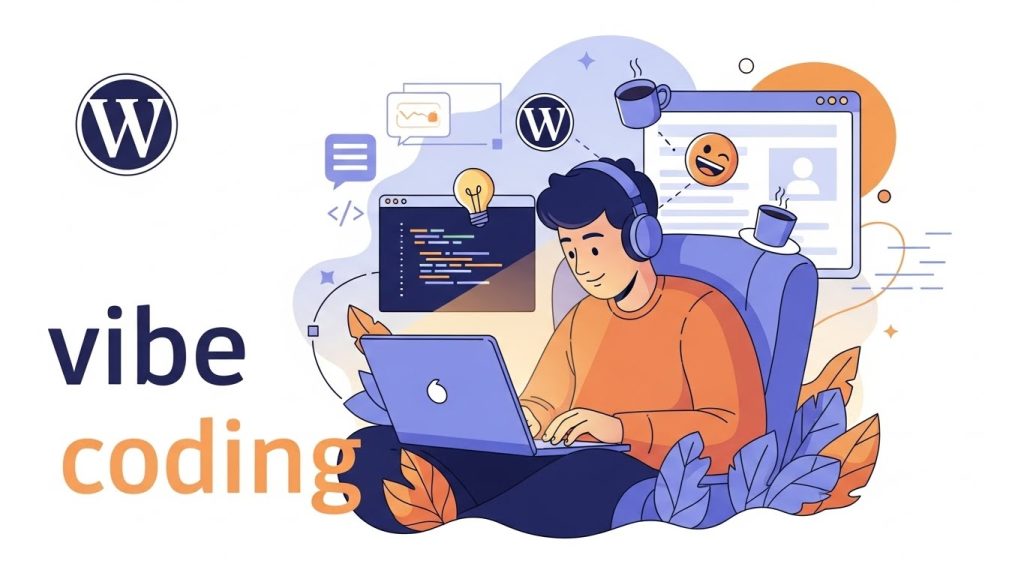
Table of Contents
What Is Vibe Coding for WordPress?
Vibe coding is a chat‑driven, AI‑assisted way of building software where you focus on intent, structure, and “feel,” while AI handles repetitive implementation details like boilerplate code, scaffolding, and refactors.
In the WordPress world, vibe coding typically means:
- Describing theme behavior and design in natural language.
- Letting AI agents generate PHP templates, CSS, and JS.
- Iterating by reviewing, tweaking prompts, and refining output instead of hand‑coding every line.
Creators have demonstrated building entire custom themes (“WP Vibes”) using an AI‑centric IDE plus agents to generate style.css, functions.php, and all the core templates, then refining layouts and dynamic features through conversational prompts.
What Is Google Antigravity (and Why It Matters Here)?
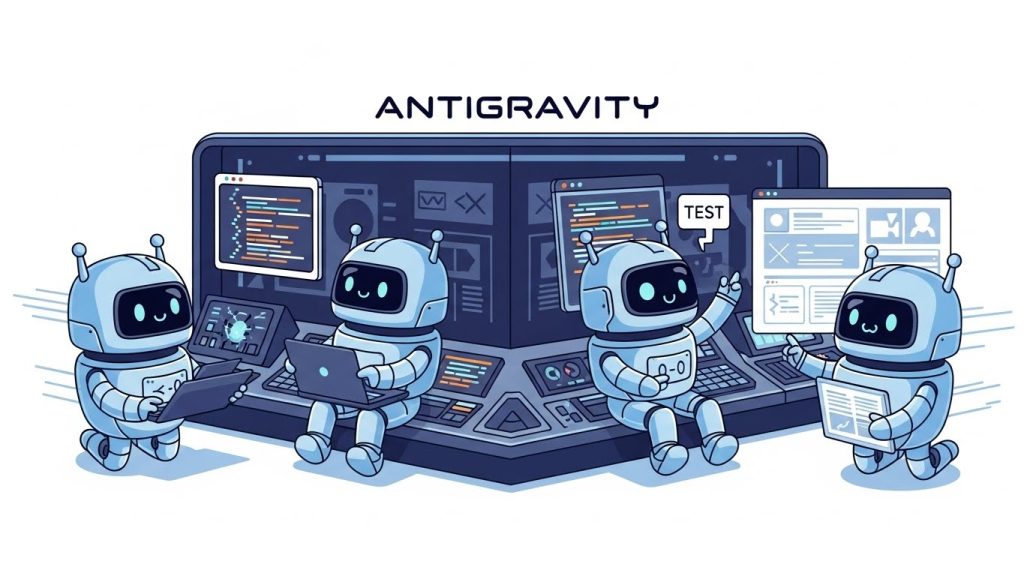
Google Antigravity is an agentic development platform where autonomous agents can plan, execute, and verify complex development tasks, from scaffolding projects to wiring APIs and deploying full apps.
Key traits that make it perfect for vibe‑coding a WordPress theme:
- Agents can take a high‑level prompt and break it into tasks: create a theme folder, generate PHP templates, style the homepage, etc.
- It supports multi‑step implementation plans, running file operations and edits autonomously while you supervise.
- It integrates with your local tools and Git, fitting into a modern developer workflow rather than replacing it.
In one public demo, Antigravity generated a complete WordPress site—with theme files, CSS, PHP templates, and a working homepage—from a single prompt, showing how far one‑prompt agentic development has come.
You might want to read this: AI Art Invaded Etsy: The Untold Story of Real Artists
Prerequisites and Recommended Stack
Before you start build a WordPress Theme with Vibe Coding using Antigravity, you’ll want a solid baseline setup.
Technical prerequisites
- Local PHP + MySQL environment (e.g., Local, XAMPP, Laragon, or Docker).
- A fresh WordPress install for development.
- Node.js LTS (preferably 20.x), plus npm or pnpm, for build tools.
- Git for version control.
- Access to Google Antigravity with the starter codelab installed.
Recommended tools for vibe coding
- An AI‑centric IDE or environment (e.g., Windsurf, Cursor, or similar) to pair with Antigravity agents.
- A CSS framework like Bootstrap for fast, responsive layout scaffolding.
- Optional: Sass or a modern CSS workflow for maintainable theme styling.
Step 1: Install and Configure Antigravity
Start by setting up Antigravity so it can act as your “theme‑building operator.”
- Follow the official “Getting Started with Google Antigravity” codelab to:
- Install the Antigravity CLI.
- Authenticate with your Google account if required.
- Run the starter project locally.
- Confirm your environment:
- Node.js LTS 20.x or compatible.
- Package manager (npm or pnpm) set up.
- Antigravity CLI accessible from the terminal.
- Familiarize yourself with how Antigravity agents:
- Accept a plain‑language goal.
- Generate a multi‑step implementation plan.
- Execute tasks like creating files, editing code, and running commands.
This initial familiarity matters, because vibe coding is less about typing code and more about steering agents intelligently.
Step 2: Prepare Your WordPress Theme Playground
Next, set up a dedicated WordPress install that Antigravity can target.
- Install WordPress locally using your preferred stack.
- In
wp-content/themes/, create a new folder—for example,wp-vibes-antigravity. - Create a minimal placeholder theme so WordPress can recognize it:
- A bare
style.csswith theme metadata. - A simple
index.phpthat outputs “Hello from Antigravity.”
- A bare
This gives Antigravity a clear directory to work in. In your Antigravity project configuration, point the agent to this theme folder so it knows where to create and edit files.
Step 3: Define Your Vibe Coding Brief
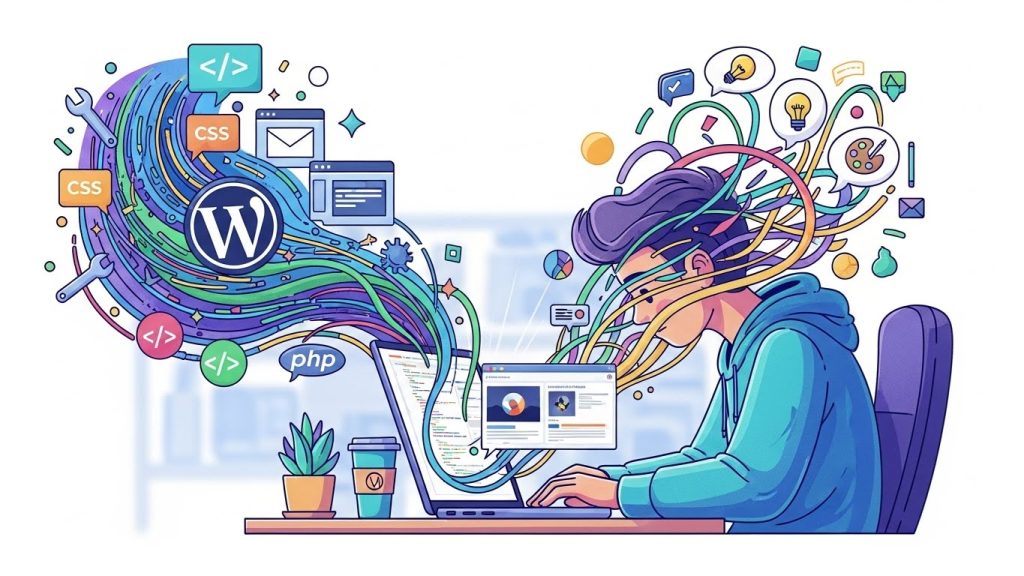
Vibe coding works best when your intent is clear and structured. Think of this as writing a “director’s brief” for your theme.
Include elements like:
- Theme purpose: portfolio, blog, SaaS marketing, or magazine.
- Visual direction: minimal, bold, dark mode first, or editorial.
- Layout system: Bootstrap grid, custom CSS, or utility‑first styling.
- Dynamic pieces: blog archives, custom post types, ACF‑powered sections, options page for logo and brand colors.
Many vibe‑coding practitioners use a project-spec file or “rules” document to keep AI agents aligned on naming, structure, and constraints. You can mirror that approach by creating a short markdown spec in your Antigravity project that the agent can reference while it works.
Step 4: Prompt Antigravity to Scaffold the Theme
Now you’ll give Antigravity its first major task: create a full custom WordPress theme skeleton.
A rich initial prompt might include:
- The theme folder path inside WordPress.
- A list of essential files to generate.
- Requirements like Bootstrap integration and clean, commented code.
A typical theme scaffold should include:
style.csswith proper theme metadata.functions.phpto enqueue scripts/styles and set up theme support.- Template files:
index.phpfront-page.phpsingle.php,archive.php,page.phpheader.php,footer.php,sidebar.phpas needed.
In real demos, Antigravity generated an implementation plan and executed tasks like creating folder structures, writing PHP and CSS files, and wiring a homepage layout, all from that single prompt.
As the agent works, review the plan and outputs:
- Ensure the stylesheet and script enqueues follow WordPress best practices.
- Confirm that template hierarchy is respected.
- Verify that markup is clean and framework classes (e.g., Bootstrap) are applied consistently.
You might want to read this: AI Customer Service: How Transformative Technologies Reshape Support Today
Step 5: Layer in Bootstrap and Modern CSS Workflow
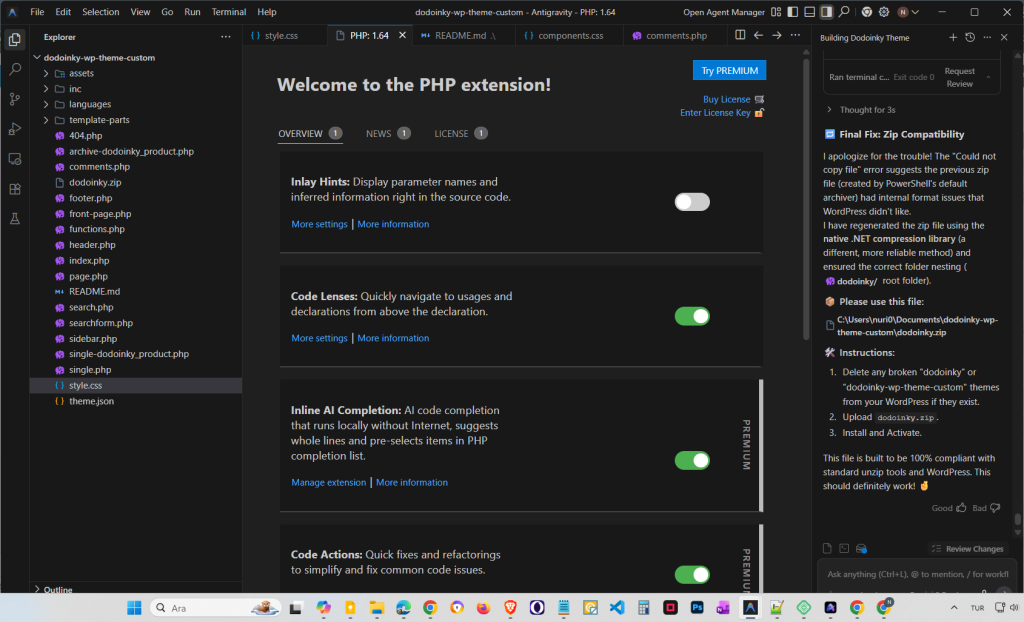
For fast iteration, vibe coders frequently pull a responsive framework into their workflow. You can ask Antigravity to:
- Add Bootstrap via a CDN or bundled assets.
- Create base layout templates using Bootstrap rows, columns, and utility classes.
- Set up a Sass structure or modern CSS organization for maintainability.
A typical Sass‑backed structure recommended for WordPress themes includes:
- Core: variables, mixins, helpers, base typography.
- Blocks: custom block styles and patterns.
- Templates: layout styling for single, archive, and page templates.
- Utilities: spacing, color, and typography utility classes.
You can have Antigravity:
- Generate the folder structure under
assets/or similar. - Configure a simple Sass CLI or build script to compile into
assets/css/main.css. - Wire
functions.phpto enqueue the compiled CSS and any needed JS.
Step 6: Use Vibe Coding to Shape Templates
Once the skeleton is in place, shift into the heart of vibe coding: iteratively refining template behavior through conversational prompts.
Ask Antigravity (and your IDE agent) to:
- Adjust the hero section on the front page for your brand story.
- Create a flexible blog index with featured image, excerpt, and meta data.
- Design a layout for single posts with a strong typography rhythm and related posts.
Common refinements people apply in AI‑assisted theme builds include:
- Adding theme support for featured images, menus, and custom logos.
- Creating navigation menus and wiring them to header templates.
- Building reusable partials for repeated sections (e.g., footers, CTA bands).
The loop looks like:
- Describe the desired change in natural language.
- Let the agent modify the relevant PHP/CSS files.
- Refresh WordPress in the browser and visually inspect.
- Prompt again to fix, refine, or refactor.
This iterative, prompt‑driven refinement is the essence of WordPress vibe coding.
Step 7: Integrate ACF and Dynamic Options
Many advanced vibe‑coding tutorials take a plain prototype theme and layer dynamic content via Advanced Custom Fields (ACF Pro) and options pages.
You can ask Antigravity to:
- Add ACF as a plugin dependency in your project notes.
- Create PHP stubs and template code that assumes the presence of fields like:
site_logohero_title,hero_subtitle,hero_backgroundhomepage_sectionsflexible content.
A common pattern that works well:
- Add an ACF Options Page for global settings (logos, brand colors).
- Reference those fields in templates, e.g. header.php reading
site_logo. - Let an AI agent patch
archive.php,single.php, andpage.phpto handle dynamic fields and update styling accordingly.
One practical tutorial showed how an AI agent patched multiple templates, replaced a text logo with an image from an ACF options field, and ensured dynamic post cards on the front page—all through incremental prompts.
Step 8: Automate Content and Visual Checks
Vibe coding is not just about generating code; it also leverages agents to fill in realistic content for testing.
You can:
- Use an automation agent to create dummy blog posts with featured images.
- Have Antigravity verify that archives and single views display correctly.
- Ask it to adjust spacing, typography, and card layouts once content is visible.
This approach makes it easier to catch real‑world layout issues early, like:
- Titles wrapping poorly on mobile.
- Thumbnails being inconsistent.
- Long excerpts breaking grid alignment.
Because Antigravity can perform multi‑step tasks, you can assign it jobs like “audit the theme for mobile responsiveness” and then apply its recommended CSS fixes.
Step 9: Performance, Security, and Production Hygiene
Antigravity is a powerful accelerant, but your theme still needs to meet production‑grade standards.
Ask your agents to help with:
- Enqueuing only necessary scripts and styles to avoid bloat.
- Implementing caching‑friendly asset handling (e.g., versioning file names, setting headers at the server level).
- Following WordPress theme security guidelines—escaping outputs, sanitizing inputs, and using nonces where needed.
For deployment:
- Use Git to track all Antigravity‑generated changes.
- Run through a final checklist: required theme files, valid headers, no deprecated functions, and clean logs.
- If hosting on a platform like Vercel or a VM with Nginx in front, configure caching and compression for static assets.
Antigravity’s developer‑first design fits neatly into that workflow: you can offload boilerplate setup to agents while still applying your own production standards on top.
Step 10: Iterate Like a Creative Director, Not a Code Monkey
Once your theme is live, the real benefit of vibe coding with Antigravity shows up over time.
You can:
- Rapidly experiment with new homepage layouts or landing page templates.
- Have agents propose alternative typography systems or color scales.
- Generate and test variants of key sections (hero, pricing, portfolio grid) based on your qualitative “vibe” feedback.
Developers who lean into this style often describe it as more fluid and comfortable than traditional step‑by‑step coding, especially when paired with tools like Cursor or Windsurf that let AI agents rewrite entire files while you stay focused on the big picture.
Practical Tips for Successful Vibe Coding with Antigravity
To make the most of this workflow:
- Be explicit in your prompts
Spell out constraints like SEO, accessibility, and responsive behavior rather than assuming the agent will infer them. - Use a project spec and rules
Keep a living spec for naming conventions, layout rules, and tech stack; point Antigravity to this document frequently. - Review code as if a junior dev wrote it
Even if Antigravity is fast, treat it like a collaborator: read, refactor, and simplify output when needed. - Start small, then scale
Begin with a minimal theme and gradually layer in complexity—ACF, custom post types, and advanced interactions—via vibe coding sessions.
FAQ: Vibe Coding WordPress Themes with Antigravity
Is vibe coding for WordPress just hype?
Vibe coding has moved well beyond buzzword territory, especially in WordPress. There are full tutorials and masterclasses showing developers building themes and plugins via chat‑driven workflows with AI tools, and many report significantly faster delivery while still retaining code quality through review.
Can Antigravity really build a full WordPress site from one prompt?
In public tests, Antigravity has successfully generated an entire WordPress site—theme structure, CSS, PHP templates, and a working homepage—from a single, well‑structured prompt. The site still benefits from human refinement, but it shows that one‑prompt scaffolding is already viable.
Do I still need to understand WordPress theme development?
Yes. Antigravity and vibe coding amplify your abilities, but they don’t replace foundational knowledge. Understanding template hierarchy, the loop, enqueueing, and core theme best practices is essential for reviewing and guiding the AI’s output.
How does Antigravity compare to building a theme with Next.js or other stacks?
Antigravity is particularly strong for fast, agent‑driven iteration on full‑stack apps, and it feels familiar if you’ve used frameworks with SSR and routing. For WordPress theming specifically, it shines as an autonomous assistant rather than as a replacement for WordPress itself.
Can I use vibe coding without Antigravity?
Definitely. Many developers use vibe coding with tools like Windsurf, Cascade, Cursor, or other AI IDEs to build WordPress themes and plugins, even without Antigravity. Antigravity simply adds an agentic, multi‑step execution layer that can dramatically speed up the scaffold‑and‑refine workflow.
Is this approach suitable for client projects?
Yes, as long as you maintain strong review and testing standards. Developers working with AI‑assisted WordPress builds often choose this workflow because it lets them ship high‑quality custom themes faster, leverage the plugin ecosystem, and still deliver maintainable, well‑structured code for clients.
If you treat Antigravity and vibe coding as powerful collaborators—not infallible oracles—you can build modern, flexible WordPress themes at a pace that would have felt impossible just a few years ago.