
The Ultimate Guide to AI Tools for Teachers in 2026: How to Reclaim Your Time and Personalize Learning
Picture this: It’s Sunday night. You have a stack of essays on the dining room table, lesson plans for the week are only half-finished, and you’re trying to figure out how to differentiate Monday’s reading assignment for five distinct learning levels. If you are like the average teacher, you are working about 53 hours a week, yet—heartbreakingly—only 49% of that time is spent actually interacting with your students. The rest is consumed by administrative tasks, grading, and planning.
Twenty years ago, the idea that a computer could grade handwriting or generate a week’s worth of differentiated curriculum in seconds would have been laughable. Today, it is not only possible; it is becoming the standard.
We are living through a paradigm shift. We are moving from an era of information acquisition to one of knowledge management. The goal isn’t to replace you. The Department of Education and industry leaders have been very clear: the goal is “Human in the Loop” AI. It is about augmented intelligence—using tools to handle the drudgery so you can focus on the uniquely human skills of empathy, mentorship, and complex instruction.
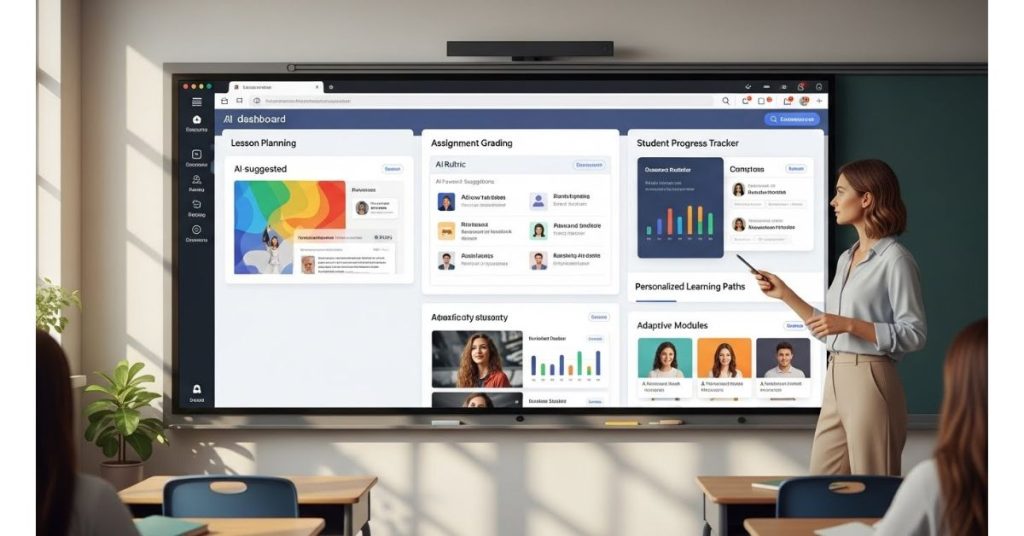
Whether you are an early adopter or a skeptic, this guide will walk you through the best AI tools for teachers in 2026, supported by real data and case studies, to help you teach smarter, not harder.
The Landscape: Why AI in Education Now?
The market for AI in education is exploding, projected to surge to over $112 billion by 2034. But beyond the financial hype, the practical application in K-12 classrooms is driven by a desire to serve the “unseen middle”—that 80% of students who aren’t struggling enough to trigger intervention but aren’t excelling enough to demand advanced attention.
Recent surveys suggest that over 55% of teachers believe AI has already improved educational outcomes. By automating routine tasks, AI offers a path to reducing burnout and returning to what you love: teaching.
Overall how many ai tools for teacher could I discover so far?
There are approximately 76 distinct tools I could identify for teachers and educators. These tools range from general-purpose generative AI to specialized platforms for grading automation, medical education, and plagiarism detection. I use some of them for a long time and tried some others for this article but not all.
I can categorize these tools into the following functional groups:
AI Lesson Planning, Content Generation & Teaching Assistants
These tools focus on creating lesson plans, generating educational resources, and acting as virtual co-teachers.
- MagicSchool AI (also referred to as MagicSchool): Generates lesson plans, rubrics, and assessments,,,,.
- Eduaide.Ai: An all-in-one assistant for planning, assessment building, and feedback,,.
- SchoolAI: Creates interactive “Spaces” and AI tutors for students while offering teacher monitoring,.
- Diffit: Adapts and differentiates instructional materials and reading levels,.
- TeachBetter.ai: A platform offering various tools like a lesson planner and quiz generator.
- Education CoPilot: Simplifies lesson planning and generates handouts.
- Almanack AI: Helps manage classrooms and adapt learning plans.
- Formative AI: Assists in crafting new educational materials and items.
- Khanmigo: Khan Academy’s planning assistant for content suggestions and tutoring.
- Brisk / Brisk Teaching: An extension for Google integration that grades and generates feedback,.
- Flint: Focuses on interactive tutoring and transparency.
- Merlyn Mind: A voice-controlled digital assistant for classroom technology management.
- Chat with Documents: A feature within TeachBetter.ai for extracting insights from files.
AI Grading, Assessment & Feedback

These tools are designed to automate grading, check for plagiarism, and provide student feedback.
- Gradescope: Automates grading for exams and homework, including handwriting recognition,,,.
- Turnitin: Detects plagiarism and AI-generated content,.
- Turnitin Draft Coach: Provides real-time feedback on grammar and citations for students.
- Writable: Blends AI feedback with teacher review for writing tasks.
- ScribeSense: Scans and grades paper-based assessments.
- Feedback Fruits: Provides AI analysis of student writing with constructive suggestions.
- Edulastic: A smart assessment platform with predictive analytics.
- ClassroomQ: Organizes student queries and provides real-time feedback.
- Otus: Combines data tracking, assessment, and communication.
AI Student Engagement, Gamification & Presentation
Tools used to create interactive slides, quizzes, and games to keep students engaged.
- Mentimeter: An interactive presentation tool with polls and quizzes.
- Quizizz: Generates quizzes from documents and videos using AI.
- Kahoot!: Game-based learning platform using AI for question generation.
- Curipod: Creates interactive lessons with polls and drawing prompts,.
- SlidesAI.io: Creates presentation slides from text.
- Pear Deck: Enhances slides with formative assessments.
- Nearpod: Interactive tool for lessons with multimedia content.
- ClassPoint AI: Generates quizzes within PowerPoint presentations.
- TriviaMaker: An AI-powered game-show style quiz creator.
- Canva / Canva Magic Studio: Design tool with AI features for presentations and worksheets,,.
- Edcafe: Generates interactive student-facing content.
- PowerPoint Speaker Coach: Helps teachers rehearse and improve presentation delivery.
- Sway: A digital storytelling tool.
- FlexClip: An online video editor with AI resources.
You might want to read this: The Best AI Language Learning Apps Revolutionizing Fluency in 2026
General Large Language Models (LLMs) & Chatbots
General-purpose AI models used for various educational tasks, including drafting and brainstorming.
- ChatGPT / ChatGPT for Education: Used for idea generation, lesson planning, and administrative tasks,.
- Microsoft Co-Pilot: Integrated into Microsoft products.
- Claude: An LLM mentioned in the context of prompt writing.
- Gemini: An LLM mentioned in the context of prompt writing.
Subject-Specific & Specialized AI Tools
Tools tailored for specific subjects like math, science, language learning, or medical education.
- CyMath: An expert system for math computations.
- WolframAlpha: Computational intelligence often used in math.
- Querium: Step-by-step tutoring for STEM subjects.
- Soundtrap for Education: Audio content creation for music and language arts.
- ELSA Speak: English pronunciation coach.
- AMBOSS: Medical learning platform.
- Oxford Medical Simulation (OMS): VR-based clinical training.
- Enlitic: Medical imaging analysis for radiology education.
- IBM Watson for Oncology: Used to teach medical literature synthesis.
- Shadow Health: Digital clinical experiences for medical assessment.
AI Writing Support, Accessibility & Utilities
Tools that assist with writing mechanics, transcription, and accessibility.
- Grammarly: Checks grammar, tone, and plagiarism,.
- QuillBot: A paraphrasing and writing assistant.
- AudioPen: Converts voice notes to text and summarizes them,.
- Otter.ai: Transcription tool for lectures and meetings.
- Speechify: Text-to-speech tool for auditory learning.
- Microsoft Immersive Reader: Improves reading comprehension and accessibility.
- Read&Write (by Texthelp): Support tool for literacy and learning difficulties,.
- TalkingPoints: Multilingual translation for family communication.
- MindMeister: Collaborative mind-mapping tool.
- Scribbr: AI proofreading tool.
AI Classroom Management & Administration
Tools for managing behavior, communication, and scheduling.
- ClassDojo: Behavior tracking and communication platform,.
- Remind: Automates messaging and communication with parents.
- GoGuardian: Screen monitoring software (mentioned in the context of surveillance concerns).
- Google Classroom: Assignment management and feedback hub.
- Zoom: Used for recording (in combination with other tools).
- Feedspace.io: Collects reviews and testimonials.
AI Detection & Evasion (Academic Integrity)

Tools used to detect AI writing or, conversely, to bypass detection.
- CopyLeaks: AI content detection.
- GptZero: AI content detection.
- ZeroGPT: AI content detection.
- Sapling: AI content detection.
- OpenAI Text Classifier: (Noted as withdrawn due to low accuracy).
- Cadmus: Assessment platform ensuring authenticity.
- GPT-Minus1: A tool used to paraphrase and evade detection.
- Pagepeek: Draft feature builds academic versions and reviews structure.
So let’s focus on some of them in details.
AI Lesson Planning and Content Generation: Your New Co-Pilot
The blank page is the enemy of efficiency. AI tools designed for lesson planning act as a creative springboard, instantly generating structures that you can refine with your professional expertise.
Top Tools to Try
- MagicSchool AI: Often described as a “Swiss Army Knife” for teachers, this platform helps you generate lesson plans, rubrics, and spiraled assessments aligned to standards. It automates the heavy lifting of curriculum design.
- Eduaide.AI: This is an all-in-one assistant that goes beyond simple lesson planning with AI. It can create learning objectives, gamification elements, and even “escape room” style activities to make content stick.
- Diffit: If differentiation is your pain point, Diffit is a game-changer. It allows you to take any text, video, or PDF and instantly generate “just right” reading materials for various reading levels. It adapts instructional materials so every student can access grade-level content, supporting literacy and critical thinking simultaneously.
- TeachBetter.ai: This suite offers specific tools like a “Concept Explainer” to simplify complex topics (like photosynthesis) using real-world analogies, and a “Lesson Planner” that can export directly to PowerPoint.
Pro Tip: The PREP Framework
When using general chatbots like ChatGPT to plan lessons, the quality of your output depends on your prompt. Use the PREP acronym to get better results:
- Prompt: What do you want it to do? (e.g., “Help me plan a lesson.”)
- Role: Who should the AI act as? (e.g., “Act as a veteran 10th-grade English teacher.”)
- Example: Give it a model. (e.g., “Here is a text we are reading.”)
- Parameters: Set the constraints. (e.g., “Include a hook, direct instruction, and an exit ticket for a 50-minute class with 30 students, including English Language Learners.”)
Grading and Assessment: The Time-Back Machine

Grading is essential for feedback, but it is often the primary source of teacher fatigue. AI tools can dramatically accelerate this process while providing more consistent data.
The Heavy Lifters
- Gradescope: This tool is a powerhouse for STEM and humanities alike. It uses AI to group similar answers together, allowing you to grade a specific mistake once and apply that feedback to every student who made it. In a case study of 200 high school math teachers, those using Gradescope returned graded assessments 2.5 days fasteron average.
- Turnitin & Draft Coach: Beyond plagiarism detection, these tools now offer AI writing detection and real-time grammar coaching, helping students iterate on their work before they submit it.
- ScribeSense: For those who still prefer paper-based tests, this tool scans and grades handwritten assessments, digitizing the data without forcing you to abandon pen and paper.
The Bias Warning: While these tools are efficient, we must be vigilant about algorithmic bias. Just as standardized tests can have cultural biases, AI models can occasionally favor certain linguistic patterns. Always review AI grading recommendations—you are the final judge.
AI Student Engagement and “Walled Garden” Experiences
Generic chatbots like ChatGPT can be risky for students due to data privacy concerns and potential hallucinations (inventing facts). The trend in 2025 is moving toward “Walled Gardens”—safe, structured AI environments supervised by teachers.
Leading Platforms
- SchoolAI: This platform creates “Spaces”—customizable, monitored AI environments. Instead of a generic chat, students might interact with a “historical figure” bot programmed with specific constraints.
- Real-World Impact: In one case study, a student who spoke only Dari was able to use SchoolAI’s “Sidekick” for real-time translation and scaffolding. Within weeks, the student went from isolation to building friendships and participating in group work. Teachers have reported seeing multilingual students double their test scores by using these translation features to understand complex questions.
- Curipod: This tool allows you to create interactive slide decks with polls, word clouds, and drawing prompts that use AI to provide instant feedback or generate new examples on the fly.
- Quizizz & Kahoot!: These platforms now use AI to generate questions from documents or videos, turning a static YouTube clip into an interactive review game in seconds.
Specialized Support: Accessibility and Inclusion
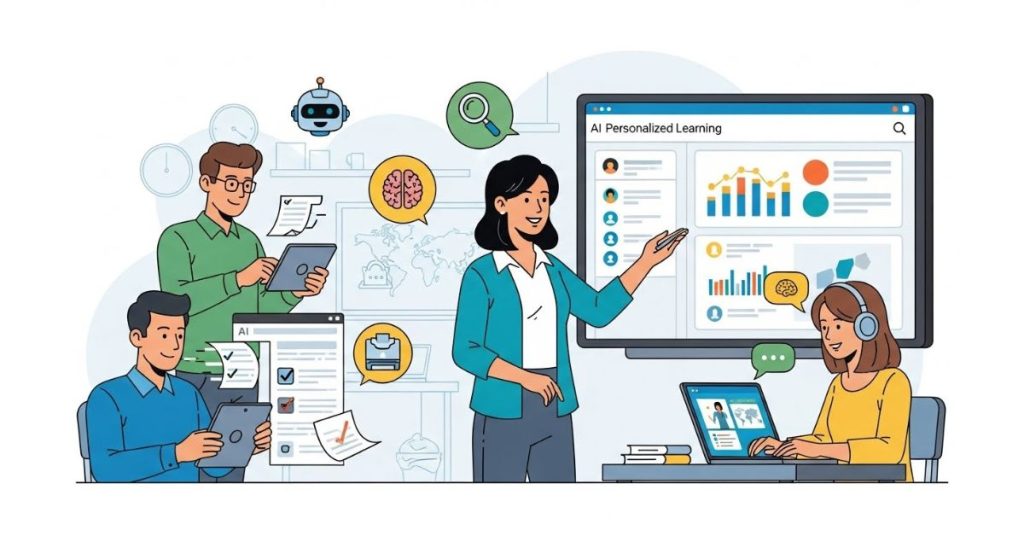
One of the most profound benefits of AI is its ability to support neurodiverse learners and those with specific accessibility needs.
- AudioPen: This voice-to-text tool converts rambling voice notes into structured text. It’s excellent for students who struggle with typing or fine motor skills but have brilliant ideas to share.
- Microsoft Immersive Reader: While established, its AI capabilities continue to improve, breaking down text by syllables, highlighting parts of speech, and reading text aloud to support dyslexia and visual processing challenges.
- TalkingPoints: This tool bridges the gap between home and school by automatically translating messages into over 100 languages, allowing you to communicate effectively with families regardless of their native language.
Navigating the Risks: The “Human in the Loop”
We cannot talk about AI without addressing the elephant in the room: cheating and detection.
The Truth About AI Detection
Many companies claim they can detect AI-generated writing with high accuracy. However, research suggests otherwise. Detectors are often vulnerable to “paraphrasing attacks” and false positives. Crucially, they can be biased against non-native English speakers, flagging their writing as AI-generated because it often exhibits lower “perplexity” (complexity) than native writing.
Because of these flaws, relying solely on detectors to police academic integrity is a losing battle. Instead, experts suggest a shift in assessment design:
- Process over Product: Use tools like Google Docs Version History or specific platforms that track the writing process, not just the final submission.
- In-Class Assessment: Prioritize oral presentations, in-class writing, and collaborative projects.
- AI Integration: Allow students to use AI for brainstorming or outlining, provided they cite it and show their work.
Privacy and Safety
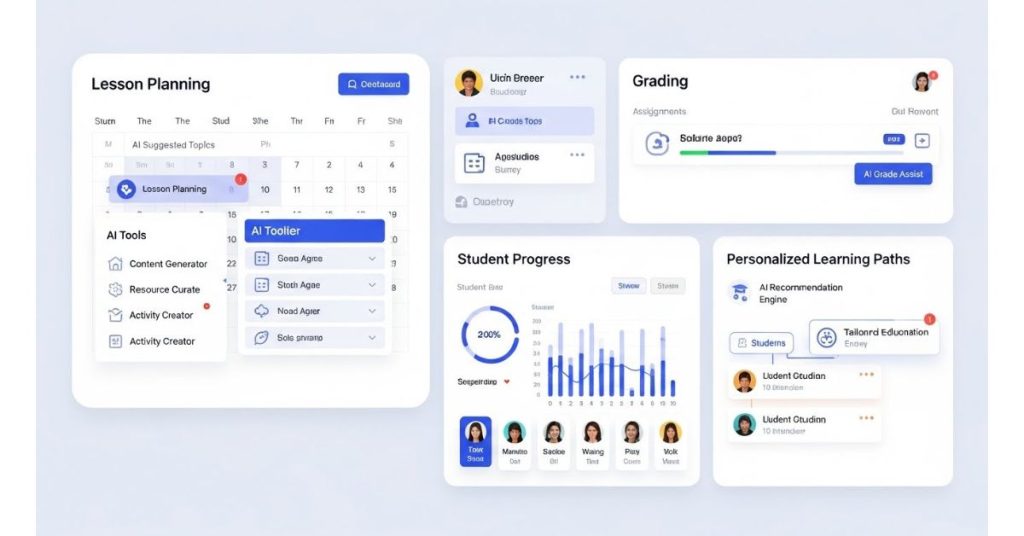
Always look for tools that are FERPA and COPPA compliant. Avoid putting personally identifiable student data (names, IDs) into public, open models. Use tools vetted by your district that offer “enterprise” data protection.
Final Thought
The future of education isn’t about choosing between human instruction and artificial intelligence. It’s about combining the two to create a learning environment where no student is part of the “unseen middle.” Start small—pick one tool to help with one specific pain point this week—and reclaim your time.
AI in the Classroom FAQ
Will AI replace teachers?
No. The consensus among experts and the Department of Education is that AI is an “Intelligence Augmentation” tool, not a replacement. Teaching requires empathy, moral reflection, and complex social management that AI cannot replicate. The goal is to automate administrative tasks so you can spend more time teaching.
Is using AI for lesson planning considered “cheating” for teachers?
Absolutely not. Teachers have always shared resources, bought lesson plans, and used textbooks. AI is simply a more efficient resource generator. As long as you review the output for accuracy and alignment with your standards, it is a smart productivity strategy.
How do I handle students using AI to write essays?
Move away from “gotcha” detection tactics, which are unreliable. Instead, redesign assignments to require personal reflection, local context, or in-class drafting. You can also explicitly teach “AI Literacy”—showing students how to use AI to critique their drafts rather than write them from scratch.
Are these tools free?
Many operate on a “freemium” model. Tools like MagicSchool AI, ChatGPT (basic models), and Curipod offer robust free versions for individual teachers. However, premium features (like unlimited storage or advanced GPT-4 access) often require a subscription or district license.
How do I know if an AI tool is safe?
Check for compliance badges (FERPA, COPPA, SOC 2). Look for tools that do not require student accounts or that offer “walled garden” environments where the teacher can monitor all interactions (like SchoolAI’s Mission Control).